Move your rounds, journal entries, gear and notes to a new phone. You save a backup on the old phone, put it in a cloud location, and restore it on the new phone. The steps are the same on iPhone and Android.
This guide covers:
What you need
- The latest version of ArcherySuccess on both phones.
- A cloud storage account that both phones can access - for example Google Drive or iCloud.
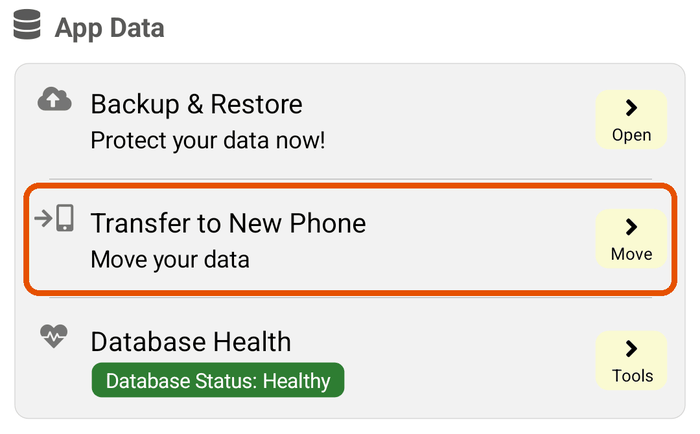
Where to find Transfer to New Phone in the app
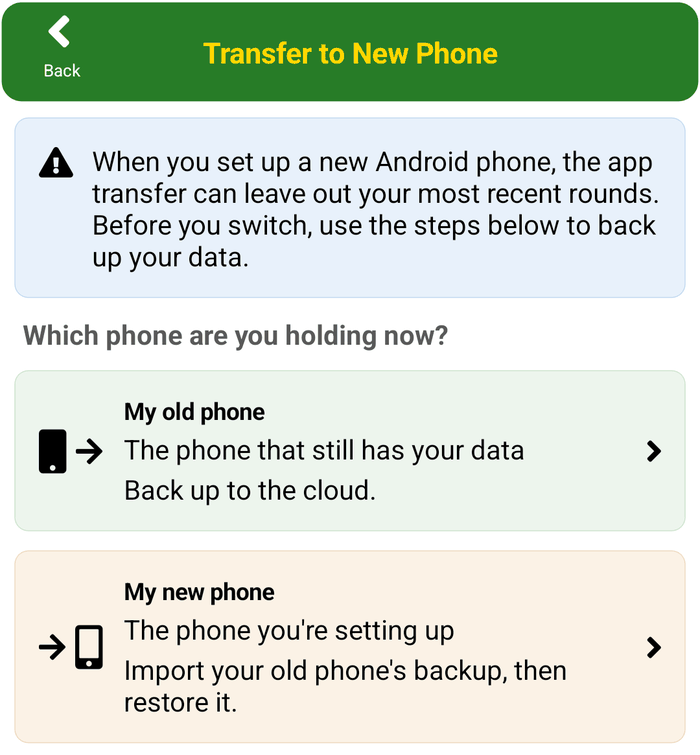
Open Settings > App Data > Transfer to New Phone on each phone. The page asks "Which phone are you holding now?" and shows the steps for My old phone and My new phone.
iPhone or Android?
- New iPhone: your ArcherySuccess data usually moves across on its own, by a direct iPhone-to-iPhone transfer or from an iCloud backup. Then you do not need the steps below. The steps are mainly for a move to or from an Android phone.
- New Android phone: the app transfer can leave out your most recent rounds. Before you switch, use the steps below to back up your data.
- The cloud location: on an iPhone, Save Backup Now and Import Backup Now use iCloud or another cloud location. On Android, they use Google Drive or another cloud location. To move between an iPhone and an Android phone, save the backup to a cloud location both phones can open.
The steps
-
Old and new phone: update ArcherySuccess to the latest version on both phones.
-
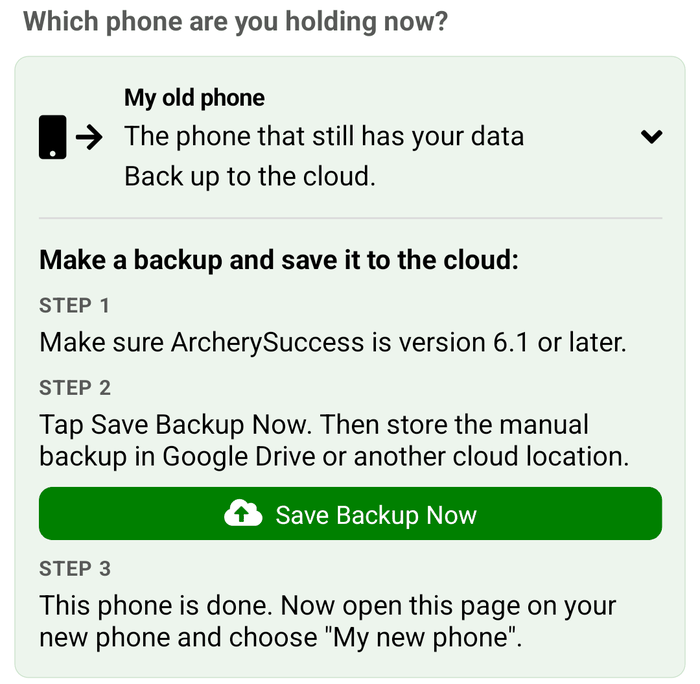
On the old phone: open Settings > App Data > Transfer to New Phone and tap My old phone. Tap Save Backup Now. Then store the backup in Google Drive, iCloud or another cloud location.
-
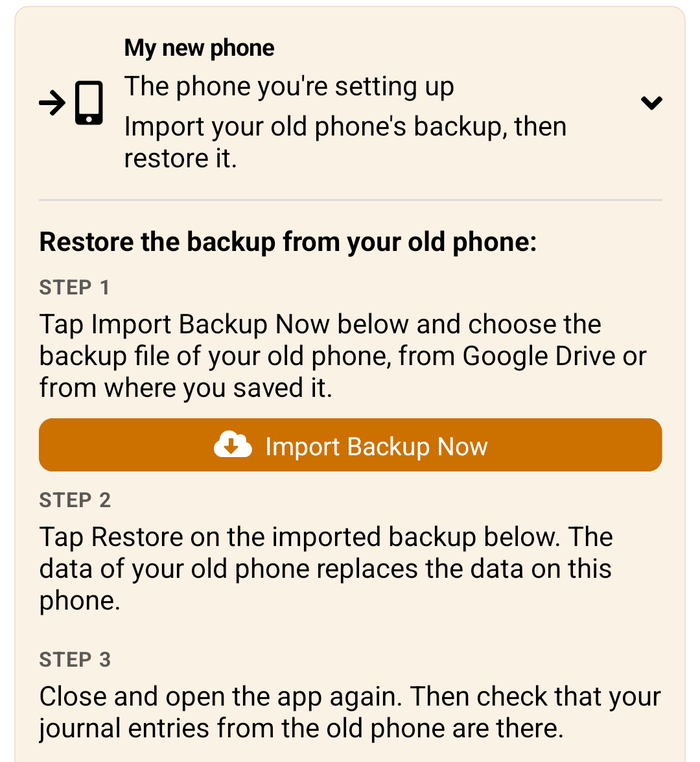
On the new phone: open Settings > App Data > Transfer to New Phone and tap My new phone. Tap Import Backup Now and choose the backup file of your old phone.
-
On the new phone: tap Restore on the imported backup. Note: Restore replaces the data on this phone with the data of your old phone. The app keeps a safety copy first.
-
On the new phone: close and open the app again.
-
On the new phone: check that the journal entries from the old phone are there.
Switching between Apple and Android?
The App Store and Google Play are separate stores, so you buy the app again when you move from one to the other. A Pro subscription is also bought in each store. See Do I need to buy the app again if I switch from Apple to Android?
What next?
- How do I back up my ArcherySuccess data? - keep a backup of your data.
- Can ArcherySuccess data be synced from one device to another? - the app does not sync between devices.
Still stuck? See the Support page for more how-to guides, or contact us - we reply within 2 working days.